Electrical Testing Web Portal – Can Tho Power
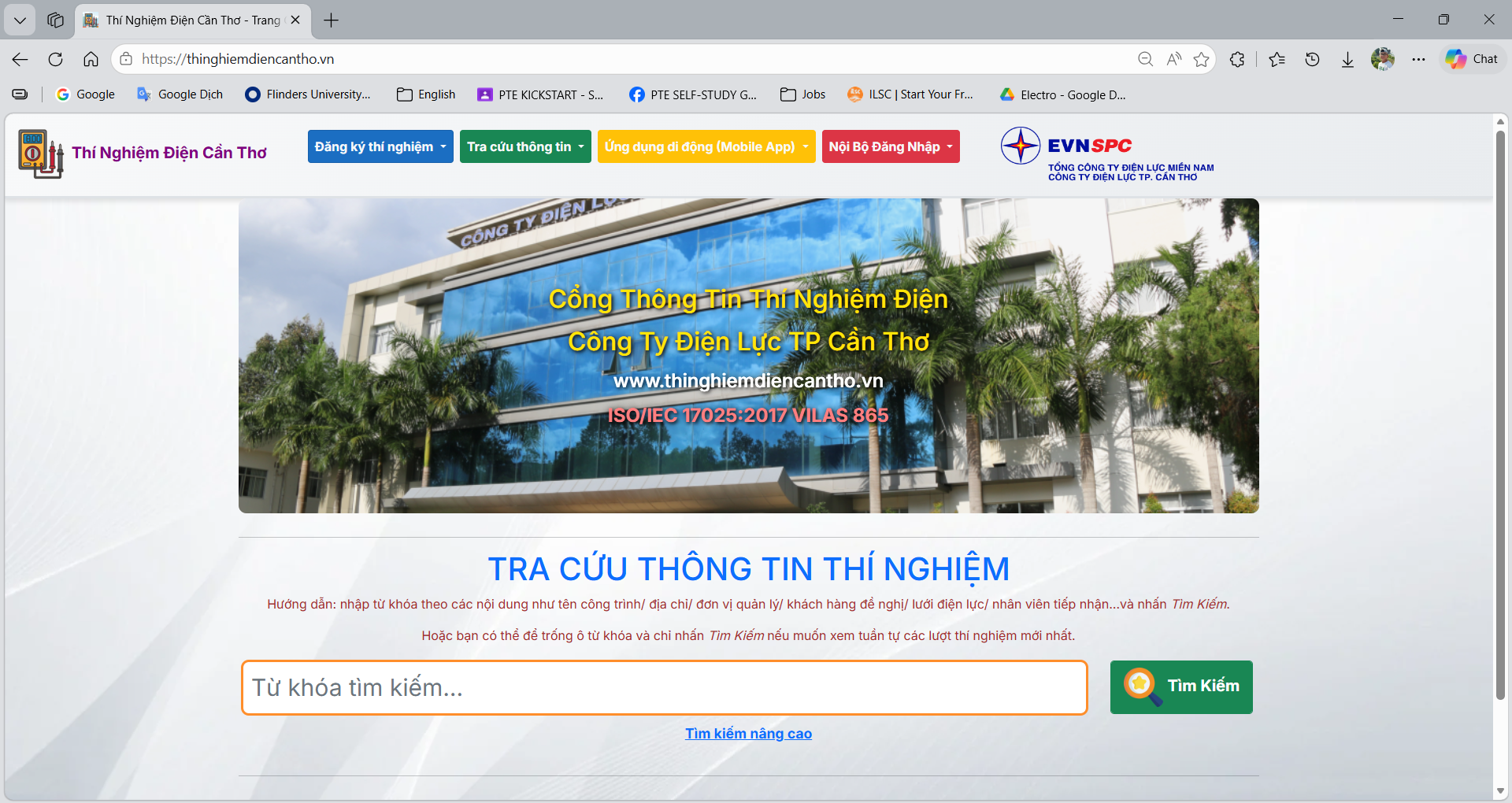
Internal web application for electrical testing staff and office users at Can Tho Power Corporation (PCCT) to manage constructions, electrical equipment, testing tickets, measurement data, and reports in a single browser-based interface.
Overview
The Electrical Testing Web Portal – Can Tho Power (Web Project) is used by engineers, planners, and office staff to manage the full lifecycle of electrical testing work. From constructions and equipment master data to daily testing tickets, measurement results, and document exports, everything is accessible via a secure web interface.
The web app follows the MVC pattern with strongly-typed Razor views, view models, and services that call the BackEndAPICanthoEQ RESTful APIs. It reuses the same domain models as the Desktop and Mobile projects, ensuring consistent behavior and validations across the ecosystem.
Typical users work from the office to review data submitted from the Mobile Project, correct or complete measurement information, approve tickets, and export documents (Word/Excel) for customers and internal archives.
Public testing information portal: https://thinghiemdiencantho.vn/
Main Features
| Module | Description |
|---|---|
| Authentication & Roles | Login using internal accounts with role-based access (admin, engineer, planner, viewer). Authentication is integrated with the same ASP.NET identity system used by BackEndAPICanthoEQ, sharing user and permission data across the ecosystem. |
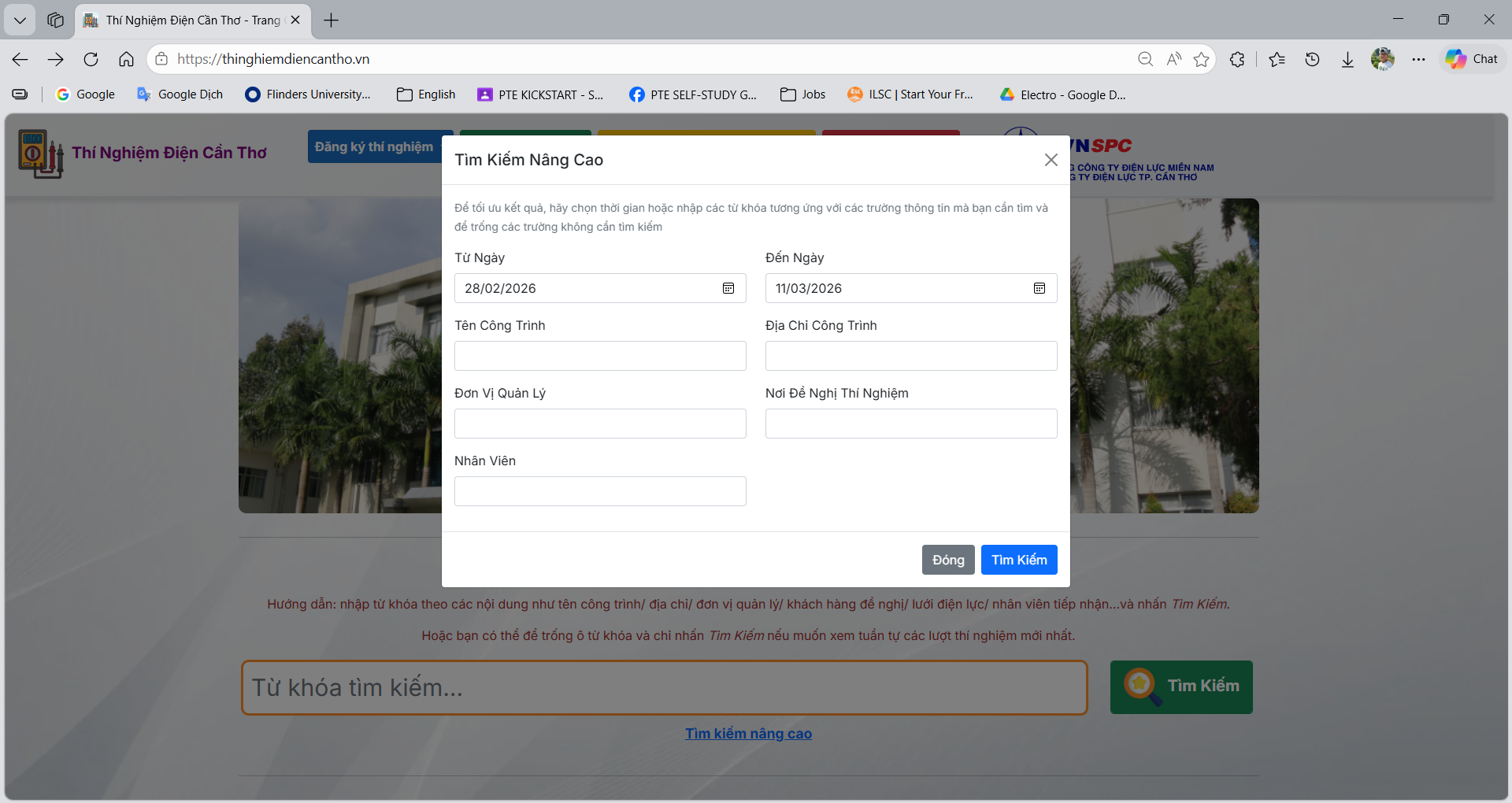
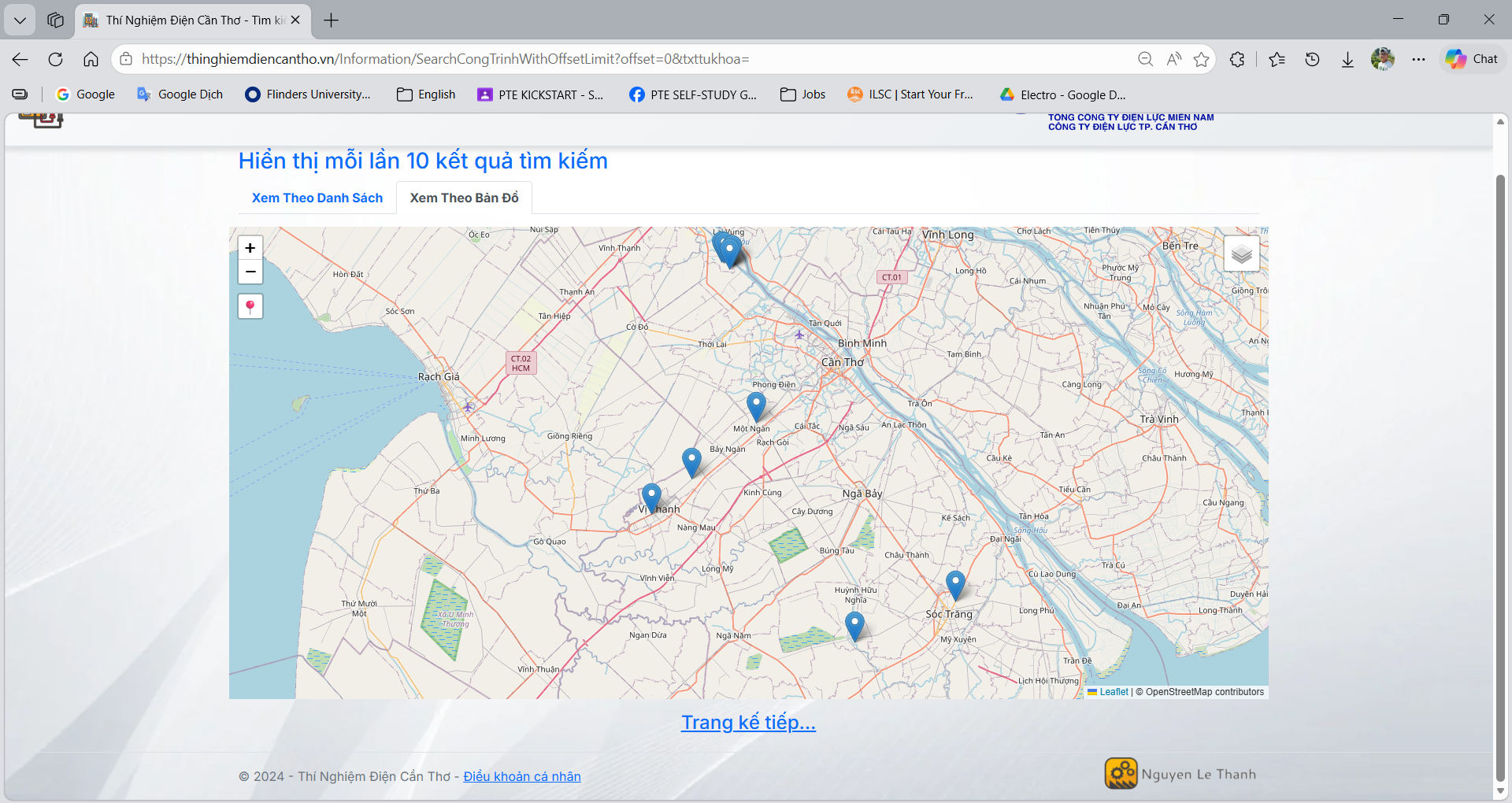
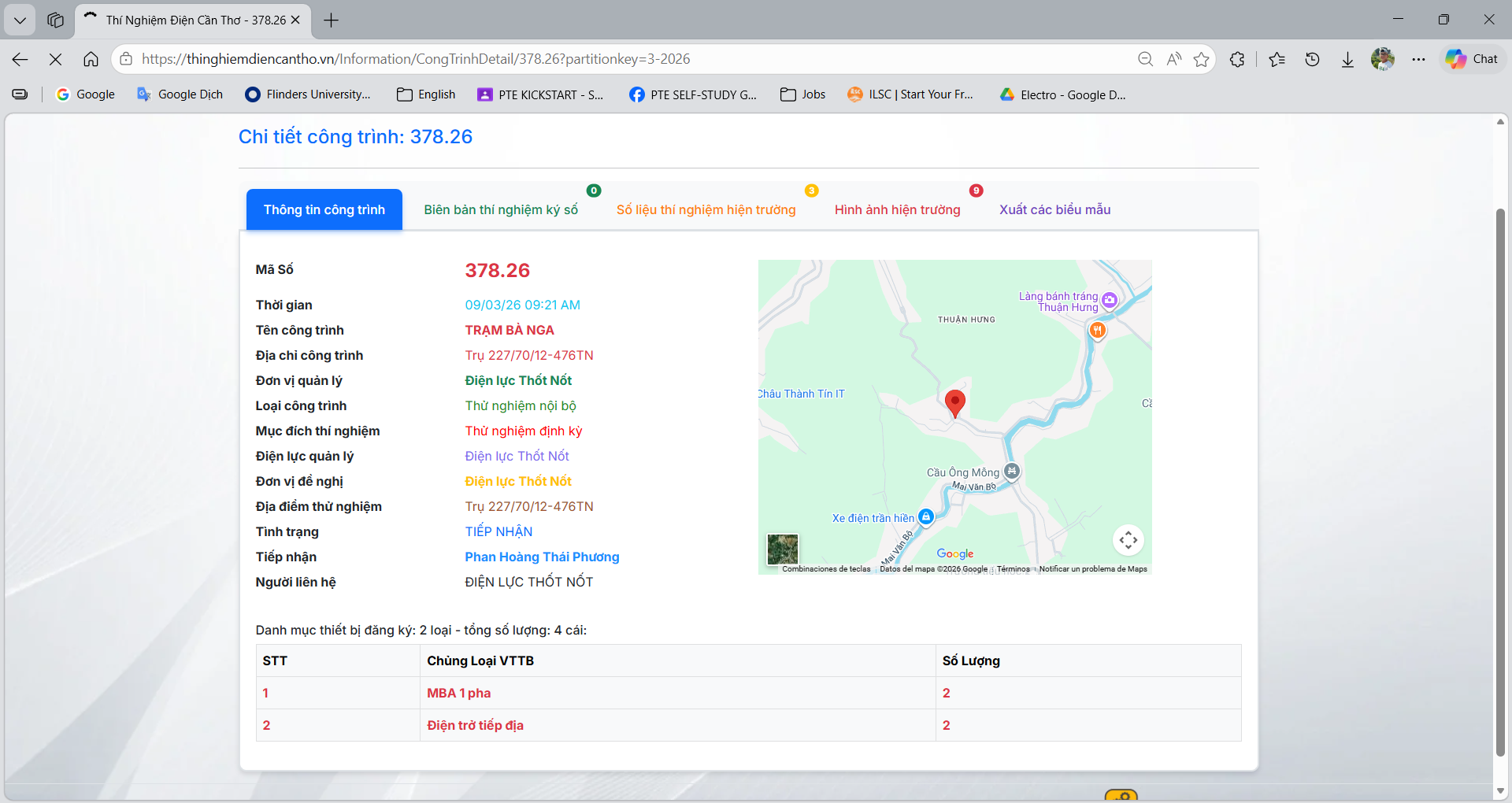
| Constructions & Equipment Management | Web UI to search, view, and maintain constructions (CONGTRINH) and equipment (THIETBI). Supports filtering by customer, location, voltage level, status, and more — all backed by Construction and Equipment APIs. |
| Testing Tickets Workflow | Manage electrical testing tickets from registration to completion. Office staff can create new tickets, assign to technicians, track progress, and reconcile data sent from the Mobile Project. Ticket states and audit data are stored in the centralized backend database. |
| Measurement Data Review | Review and edit measurement data uploaded from field staff. Tabular views and detail pages allow users to validate values, correct mistakes, and finalize test results before generating official documents. |
| Documents & Reporting | Generate Word/Excel reports for constructions, equipment, and testing sessions using predefined templates. Reports are consistent with the Desktop app, making it easy to archive, print, or send to customers. |
| Integration with BackEndAPICanthoEQ | All business data (constructions, equipment, tickets, measurements, files) is retrieved and updated via the BackEndAPICanthoEQ RESTful APIs. The web app acts as a front-end client that shares logic and configuration with other parts of the system. |
Technology Stack
| Category | Technology |
|---|---|
| Framework | ASP.NET MVC (on .NET Framework or .NET Core, depending on deployment) |
| Frontend | Bootstrap (layout & components), custom CSS, jQuery for light interactivity |
| Backend Integration | RESTful APIs from BackEndAPICanthoEQ (HTTP + JSON) |
| Reporting | Word/Excel generation via backend services (DocX / EPPlus, same as Desktop) |
Project Structure (Web Project)
The project is structured as a classic ASP.NET MVC application, separating concerns between controllers, views, models, and shared services.
WebAppCanthoEQ/
├── Controllers/       # HomeController, ConstructionController, EquipmentController, TicketController, ReportController
├── Models/            # View models and DTOs for pages and forms
├── Views/
│   ├── Shared/        # _Layout.cshtml, partials, shared components
│   ├── Home/          # Dashboard, summary pages
│   ├── Construction/  # Index, Detail, Edit, Search pages
│   ├── Equipment/     # Equipment list, detail, status pages
│   ├── Ticket/        # Ticket list, assignment, approval, history
│   └── Report/        # Report configuration and export screens
├── Services/          # ApiClient, ConstructionService, EquipmentService, TicketService, ReportService
├── Scripts/           # JavaScript, jQuery helpers
├── Content/           # CSS, Bootstrap, images, icons
└── Web.config         # Environment, routing, and IIS configuration
This layout keeps UI, business logic, and API integration clearly separated, making the web portal easy to evolve alongside the backend and other clients.
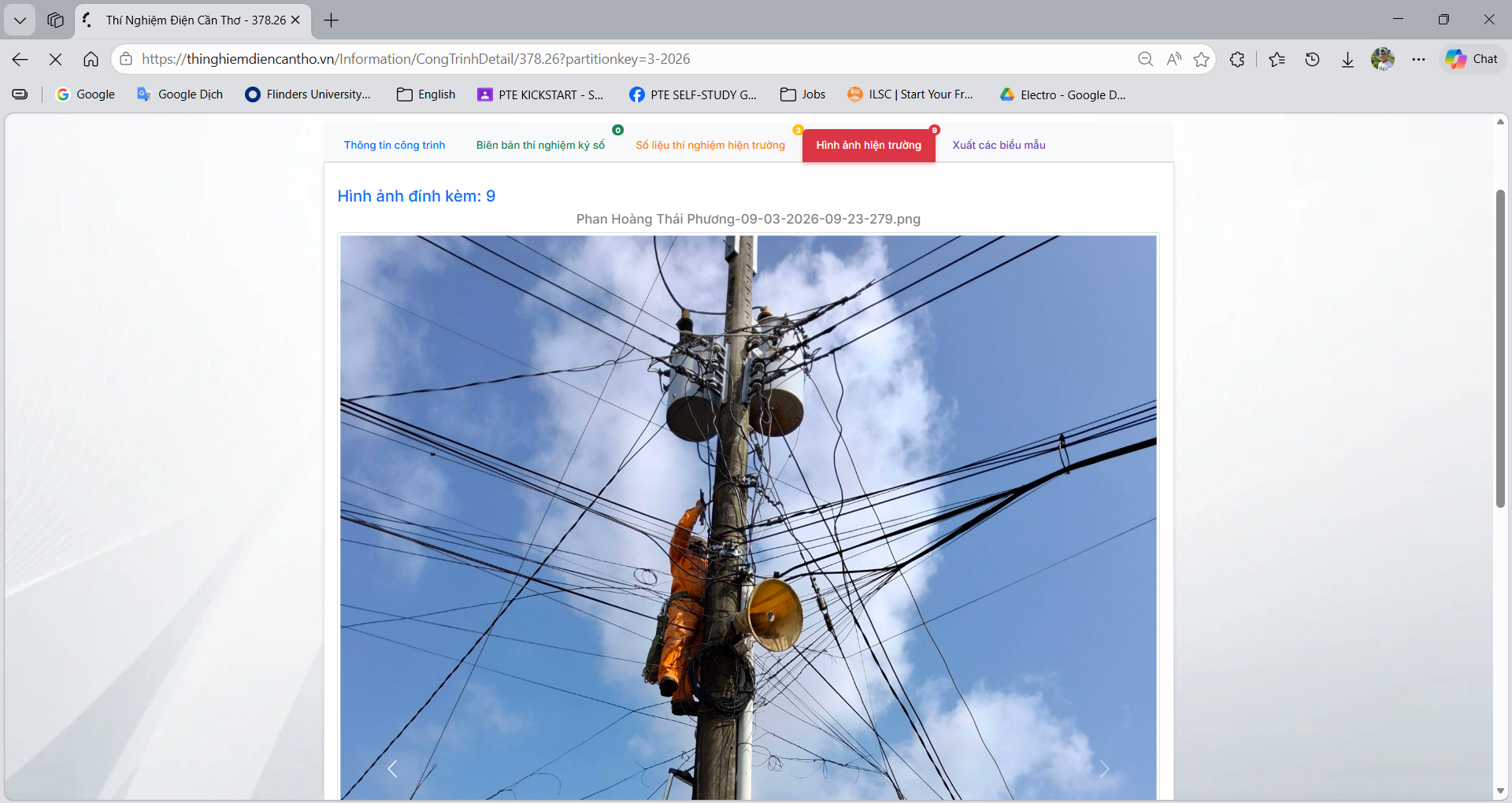
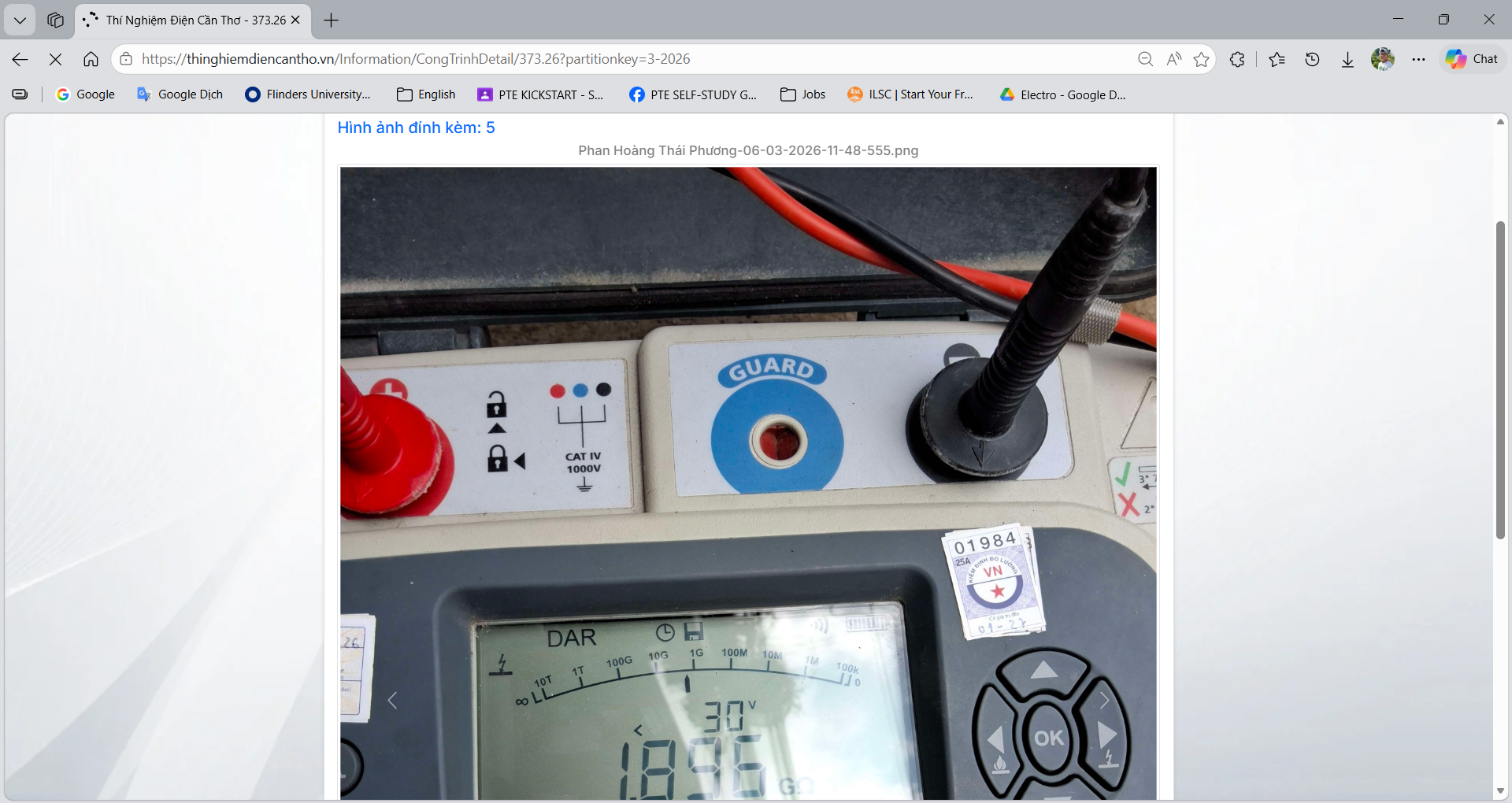
Screenshots
Selected screens from the Electrical Testing Web Portal at Can Tho Power — showing dashboard, constructions and equipment views, ticket management, and reporting pages.