Electrical Testing Mobile App – Can Tho Power
Cross-platform mobile application for electrical testing staff at Can Tho Power Corporation (PCCT) to register tickets, capture measurement data and photos onsite, and synchronize everything to the RESTful API Backend and Desktop App.
Overview
The Electrical Testing Mobile App – Can Tho Power (Mobile Project) is designed for field technicians to work directly at construction sites. The app allows staff to register testing tickets, view construction and equipment information, record measurement results, take photos, and then send all data securely to the BackEndAPICanthoEQ system.
The application follows the MVVM (Model–View–ViewModel) pattern: all pages (Views) are bound to ViewModels which contain presentation logic and call shared Services to communicate with the backend API. This keeps the code clean, testable, and easy to extend when adding new flows (new ticket types, more equipment groups, etc.).
The mobile app is a core component in the PCCT testing ecosystem, closing the loop from customer ticket registration → field measurement and photo capture → backend processing → desktop report generation and official Word/Excel exports.
Main Features
| Module | Description |
|---|---|
| Authentication & User Profile | Login with employee ID and password against the ASP.NET authentication API used by BackEndAPICanthoEQ. Stores Bearer Token and basic staff profile locally and reuses it for all API calls. MVVM bindings validate input and show login errors directly on the View. |
| Ticket Management |
View list of testing tickets (TICKET) assigned to the logged-in staff — including customer phone, address, request content, and status (PENDING, ACCEPTED, DONE). Technician can accept tickets, mark in-progress, and
update basic information via TicketService on the backend.
|
| Construction & Equipment | For each ticket, technicians can view linked Construction (CONGTRINH) data and its Equipment (THIETBI) list retrieved from ConstructionAPI and EquipmentAPI. Supports quick search, filtering, and detail view per equipment item. |
| Measurement Data Capture |
Input of on-site measurement values for different equipment types (transformers, breakers, cables, meters, etc.) following the structure of testDataList in the backend. ViewModels validate required fields and only
enable the “Save” button when data is complete.
|
| Photo Capture & Attachment | Use the device camera to capture photos of equipment, connection points, and test setups. Images are uploaded to Azure Blob Storage through the backend FileService exposed in BackEndAPICanthoEQ, linked by constructionId / ticketId and available later in the Desktop app. |
| Offline-first & Sync | When network is unavailable, data is cached locally (JSON files or SQLite). A background sync process checks connectivity and sends pending measurements and photos to the backend once connection is restored, keeping technicians productive in the field. |
| Settings & Environment | Configuration screen to change API base URL (production / test), language (Vietnamese / English), and basic app settings. Also displays the currently connected backend version and last synchronization time with BackEndAPICanthoEQ. |
Technology Stack
| Category | Technology |
|---|---|
| Framework | Xamarin.Forms 5.0 |
| Pattern | MVVM (Model–View–ViewModel), INotifyPropertyChanged, Command binding |
| Language | C# / .NET Standard 2.0 |
| HTTP Client | System.Net.Http with HttpClient, authorization via Bearer Token |
| Backend API | BackEndAPICanthoEQ — Azure Functions & ASP.NET RESTful API |
| JSON | Newtonsoft.Json |
| Device APIs | Xamarin.Essentials (Connectivity, Preferences, SecureStorage, Media) |
| Local Storage | SQLite / local JSON for offline cache and queue |
Project Structure (Mobile Project)
The project is organized following the MVVM (Model–View–ViewModel) pattern and shared services.
Models describe domain data, ViewModels contain presentation logic and API calls, and Views (XAML pages) bind to ViewModels to display and edit data.
MobileProject/
├── Models/            # Ticket, Construction, Equipment, MeasurementData, User
├── ViewModels/        # LoginViewModel, TicketListViewModel, ConstructionDetailViewModel, EquipmentFormViewModel, SettingsViewModel
├── Views/             # LoginPage.xaml, TicketListPage.xaml, ConstructionDetailPage.xaml, EquipmentFormPage.xaml, SettingsPage.xaml
├── Services/          # ApiClient, TicketService, ConstructionService, EquipmentService, FileService, AuthService, Config, ConnectivityService
├── Resources/         # Styles, themes, localization (Vi/En)
├── Helpers/           # BaseViewModel, validation helpers, mappers
└── App.xaml.cs        # Navigation, dependency registration, startup logic
Screenshots
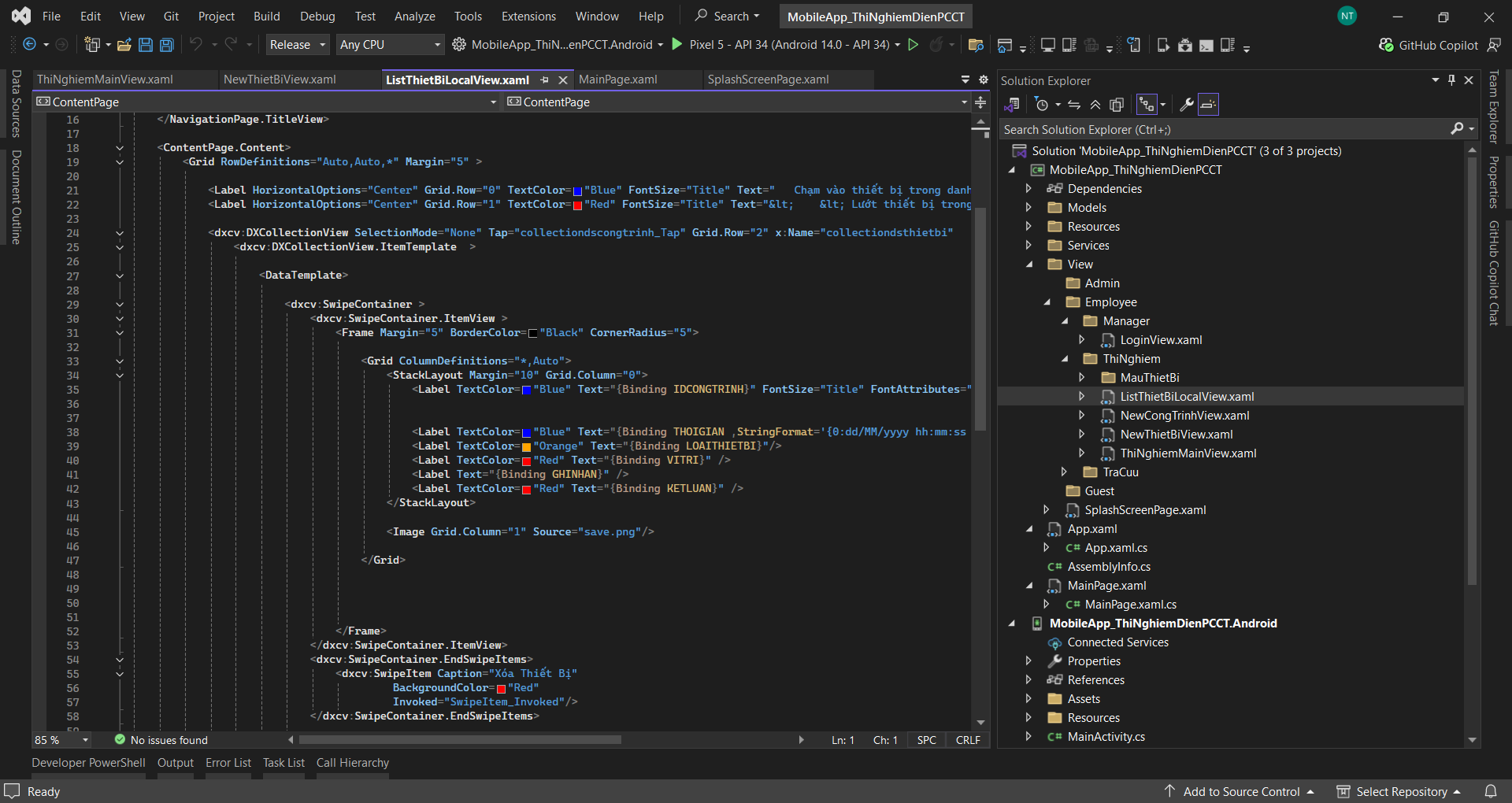
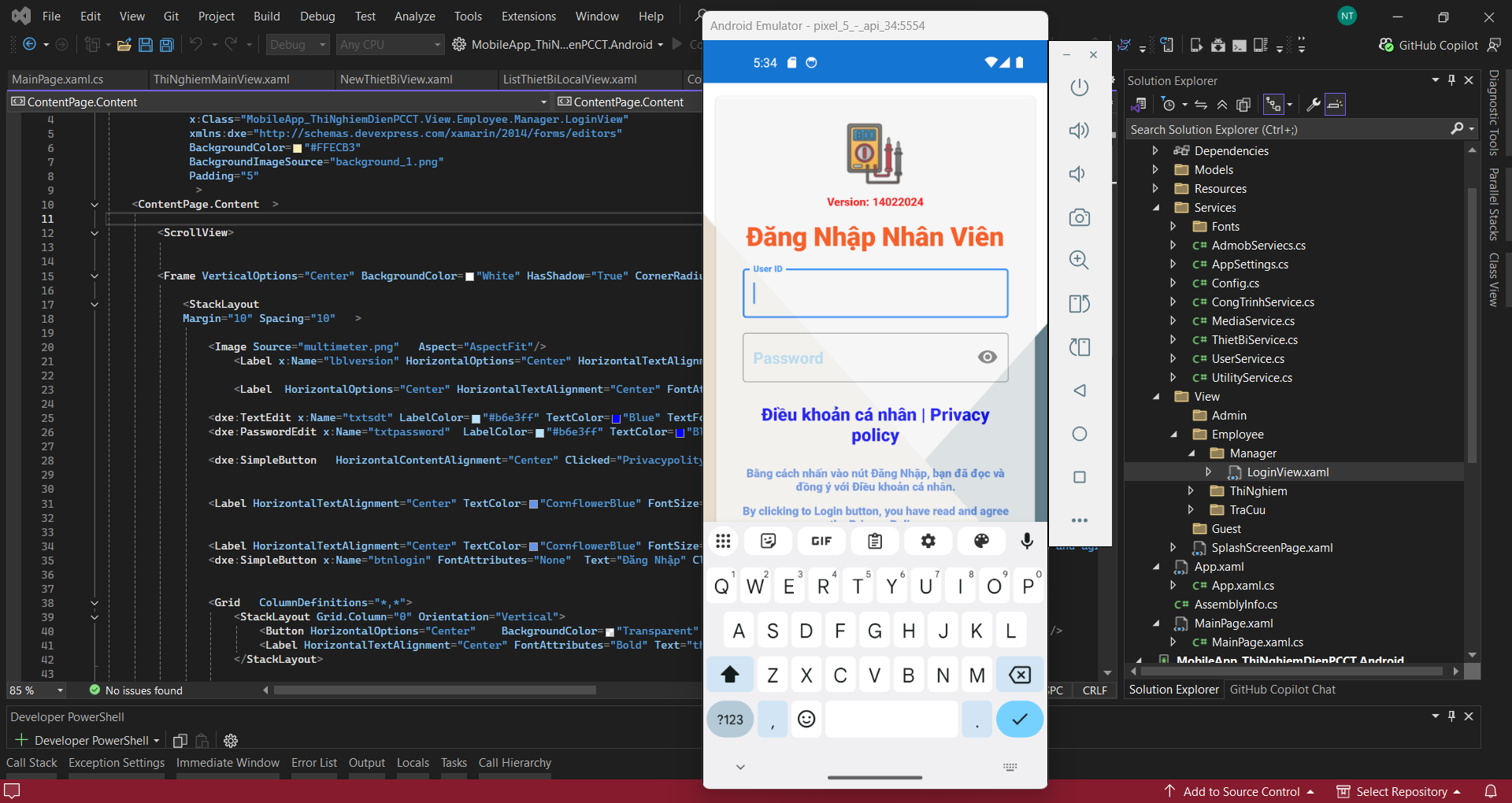
Development Environment Screenshots
Illustration of the Mobile Project development process inside Visual Studio during implementation and debugging.